Skip to Content

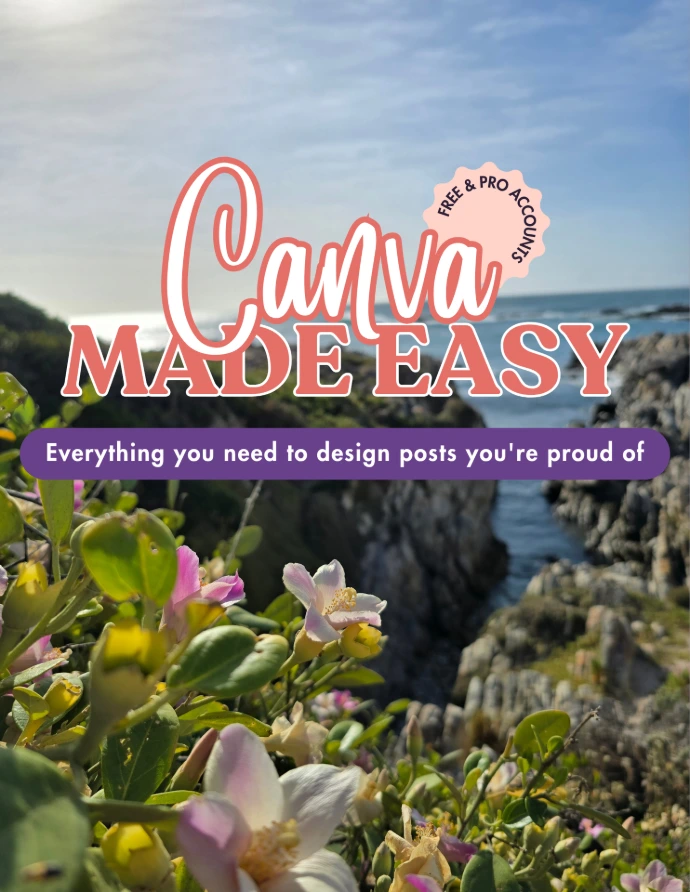
Canva Made Easy

(0 review)

Everything you need to design posts you're proud of.

You don't need to be "a designer" to make your posts look like they were made by one. This guide walks you through Canva step by step - tools, tricks, and a bit of magic - so you stop second-guessing every post and start actually enjoying the process. 

Free & Pro accounts welcome.
View-only Canva link, yours to revisit anytime.

350.00 350.00
350.00
Terms & Conditions
Instant Access
For personal and business use only.
No resell or redistribution rights included.

Why This Exists

Most Canva tutorials are either too basic or too advanced. 
This one sits in the middle - built for business owners who want their posts to look intentional, without spending hours watching random videos to figure it out.

72 Pages - Video Included

1: Getting Started With Canva

Set up your account the right way from the very first design.

2: Your Workspace

Know exactly where everything lives, so you stop searching for tools mid-design.

3: Your Toolset

Transparency, positioning, copy style - the small tools that make designs look great.

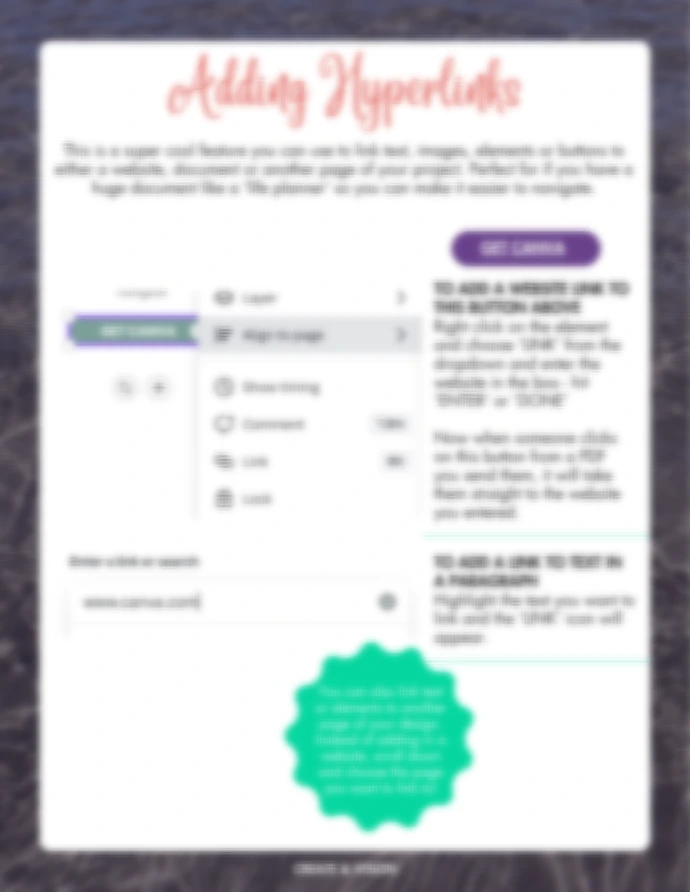
4: Font Pairing, Hyperlinks & Brand Kit

Fonts that go together, plus how to set up your brand kit.

5: Canva Magic Studio

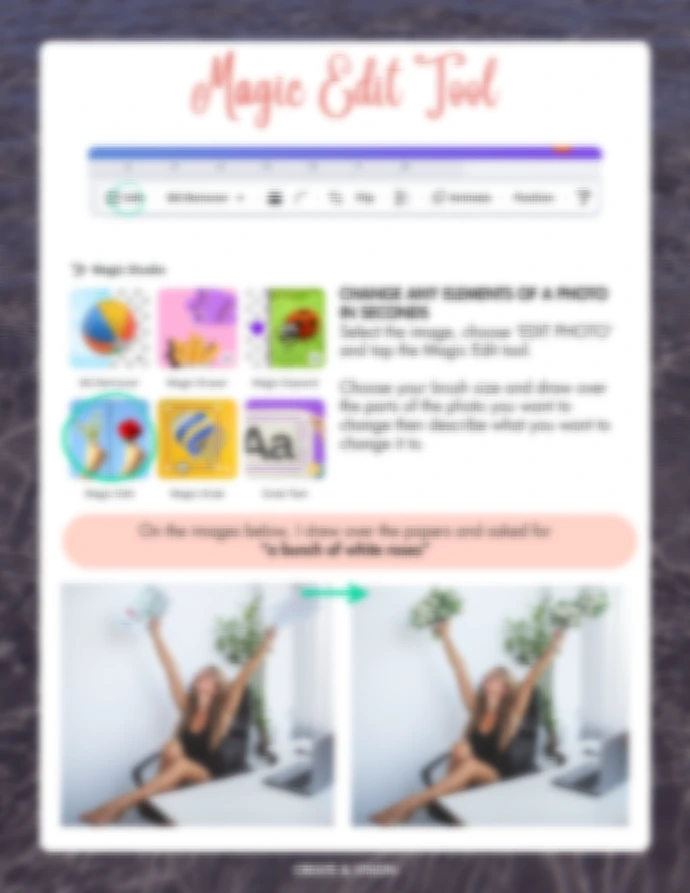
Background remover, Magic Expand, Magic Edit - the features that save you the most time, explained simply.

6: Saving and Sharing Your Projects

Export the right way for Instagram, print, or your website - no blurry downloads.

7: Apps & Other Canva Features

The extra tools worth knowing about, including publishing designs straight to Meta Ads Manager.

8: A Few How-To's

Quick wins: photo frames, grids, reels made from simple frames instead of one long clip, and more.

Bonus for the Moms

Design For Your Kids Too. A short add-on showing you how to use the exact same skills to create your own planners, e-books, and flashcards for your children.

Video Tutorials

 What You'll Walk Away With

1

A Canva workspace that actually makes sense to you. 

2

Fonts, brand kit, and templates set up so every post looks like part of the same brand.

3

The tools to fix a design fast instead of starting over.

4

One extra skill set: making things for your own kids, not just your business.

Stop opening Canva and closing it again a few minutes later.